02
Curation flexibility
Themes, periods, acquisitions and story groups — the editorial layer on top.
MuCoDi gives museums the collections backend, the page builder, the API and the theming layer — all in one product. Curators publish. Designers theme. Developers extend. No second system.
Everything a museum digital team needs to manage, publish and evolve their public surfaces — no parallel systems, no plugin stack, no per-feature vendor lock-in.
A searchable, structured, mobile-first window into your full collection — themable, multilingual, ready to plug into your brand.
MuCoDi connects to the collection system your museum already runs — Axiell, MuseumPlus, TMS, Primus and more — and to everything around it: FotoWare, Reindex library data, your own databases and spreadsheets, Google Drive and OneDrive/SharePoint. Your collection is reused across every digital experience you build, without re-entering a single record. Running something else? We build new connectors in days.
Pick a connector from the integrations catalogue and follow the setup wizard. Decide where each piece of information belongs in a visual interface, then choose when your collection should update. Your team can see when everything was last updated and spot anything that needs attention straight away.
Every collection has its own history, and every museum has its own way of describing it. Your objects, makers, places and exhibitions don’t fit someone else’s template — and they shouldn’t have to. MuCoDi adapts to the way your team already catalogues, so the system follows your curatorial practice instead of dictating it.
Define the kinds of records your collection needs — objects, people, ships, archives, or anything particular to your museum. Decide what information belongs on each record and how it’s arranged, so the details that matter most come first. Connect objects to the people, places and stories they belong to, and choose exactly what visitors and colleagues can search. Once a structure works for one collection, you can reuse it for the next — or share it with partner museums.
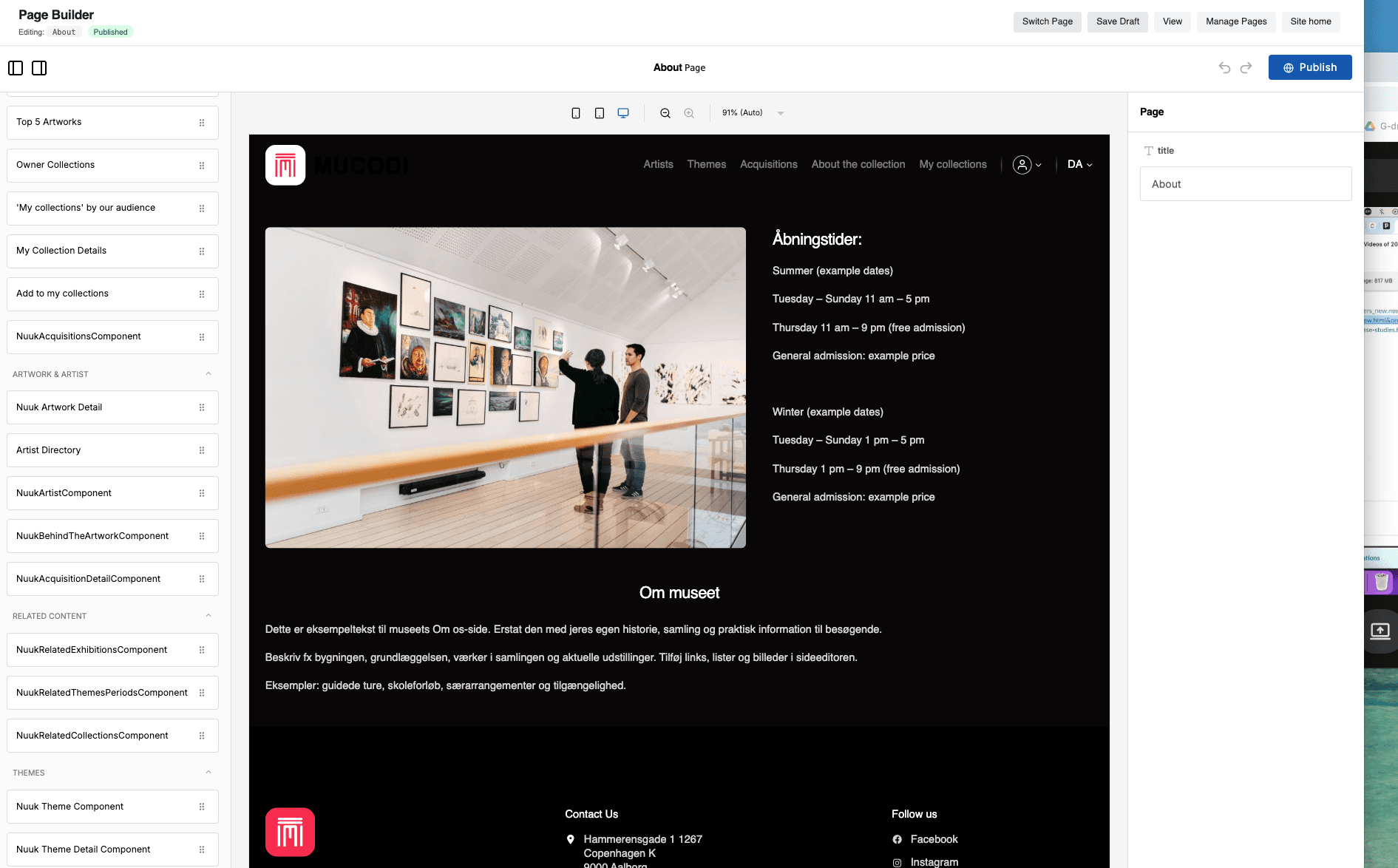
A real React component. The Page Builder runs on React components. Every block — collection grid, artwork detail, artist directory, your own custom hero — is a React component with typed props. Ship new ones; edit existing ones; or use the ones we ship by default.
Drop a Collection grid onto a page. From the side panel, change layout density, set filters, pick how many items show per page, decide whether to expose filter controls to your visitors. Save — it's live.
Your developer (or your agency's) can fork any default component and ship a custom one — same surface, same controls, your design.
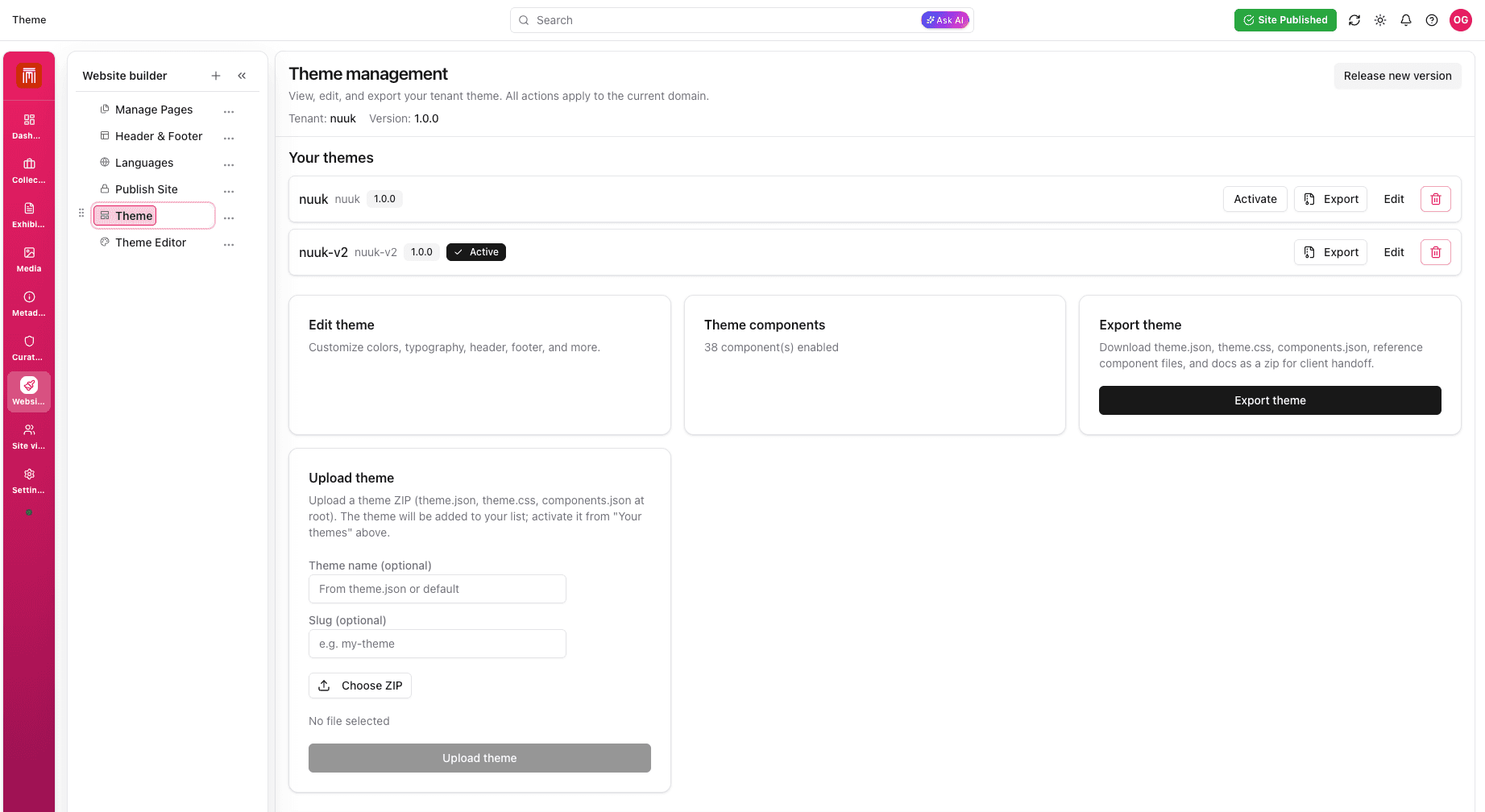
Every MuCoDi site owns its own theme. Designers customise colours, typography, header and footer. Front-end developers can extend with their own components. Both work in the same theme.
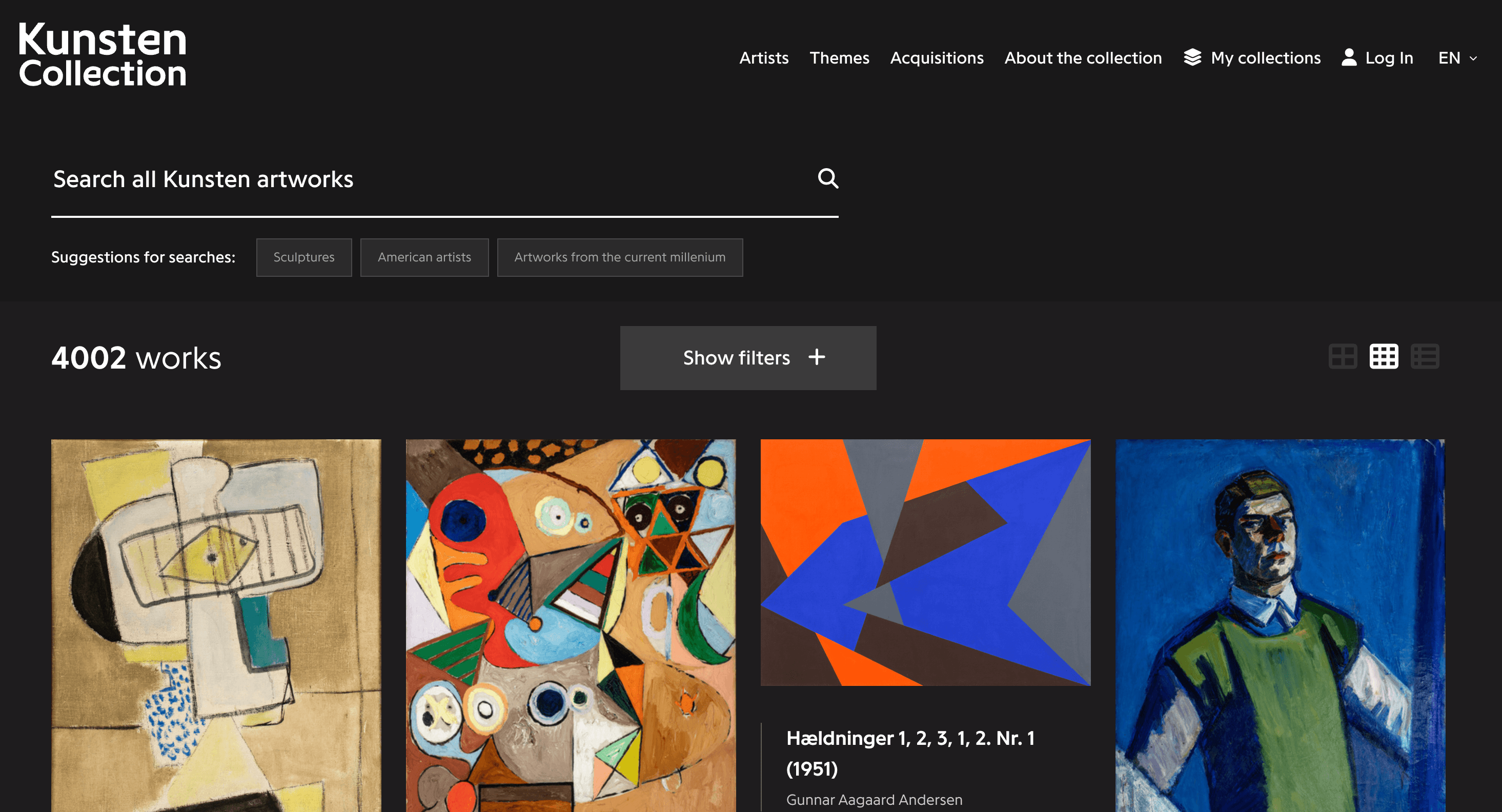
Kunsten — the regional museum of modern art in Aalborg — partnered with MuCoDi to surface its full collection online for the first time in the institution's history. A natural-language search layer, a public browse experience, and an exhibitions site all shipped within a single quarter.
Read the case study →“We stopped asking ‘who owns the data?’ and started asking ‘what should we build next?’ That shift is the entire value.”Mette Højmark · Head of Digital, Kunsten
A free trial spins up your site in under an hour. Connect Axiell, MuseumPlus or Primus and watch your collection appear in the platform — admin, API, and a default theme — out of the box.
Prefer a guided path over a self-serve trial? Our consultants have spent 25+ years building digital products with museums, agencies and cultural institutions across the Nordics. Tell us your collection, your systems and your goals — we'll scope the work, plan the migration, and stand the platform up alongside your team.
Everything a developer needs to build a custom theme for MuCoDi — without access to the backend. The Frontend Kit is a local Vite + Puck playground with design tokens, so developers build and test React blocks on their own machine, with shared code in the mucodi-sdk npm package. When it’s ready, package the theme as a ZIP, import it into MuCoDi and activate it.